
Latest Version
Axosoft
IT Tools
Linux
Free
com.axosoft.GitKraken
Report a Problem
More About GitKraken
The Modern Developer's Version Control Solution
Picture this: you are working under a tight deadline, managing multiple feature branches, and suddenly a complex merge conflict threatens to derail your entire afternoon. For developers working on Linux, command-line version control can sometimes obscure the bigger picture. This is where GitKraken repo management step in to revolutionize your daily coding workflow, offering an intuitive visual interface that replaces stress with absolute clarity.
Developed by Axosoft, this premium IT tool serves as a comprehensive Git client and task management center. It addresses the common pain points of software engineering by wrapping complex Git operations into safe, visual, and highly efficient actions.
Streamlined GitKraken Repo Management & Visualizing History
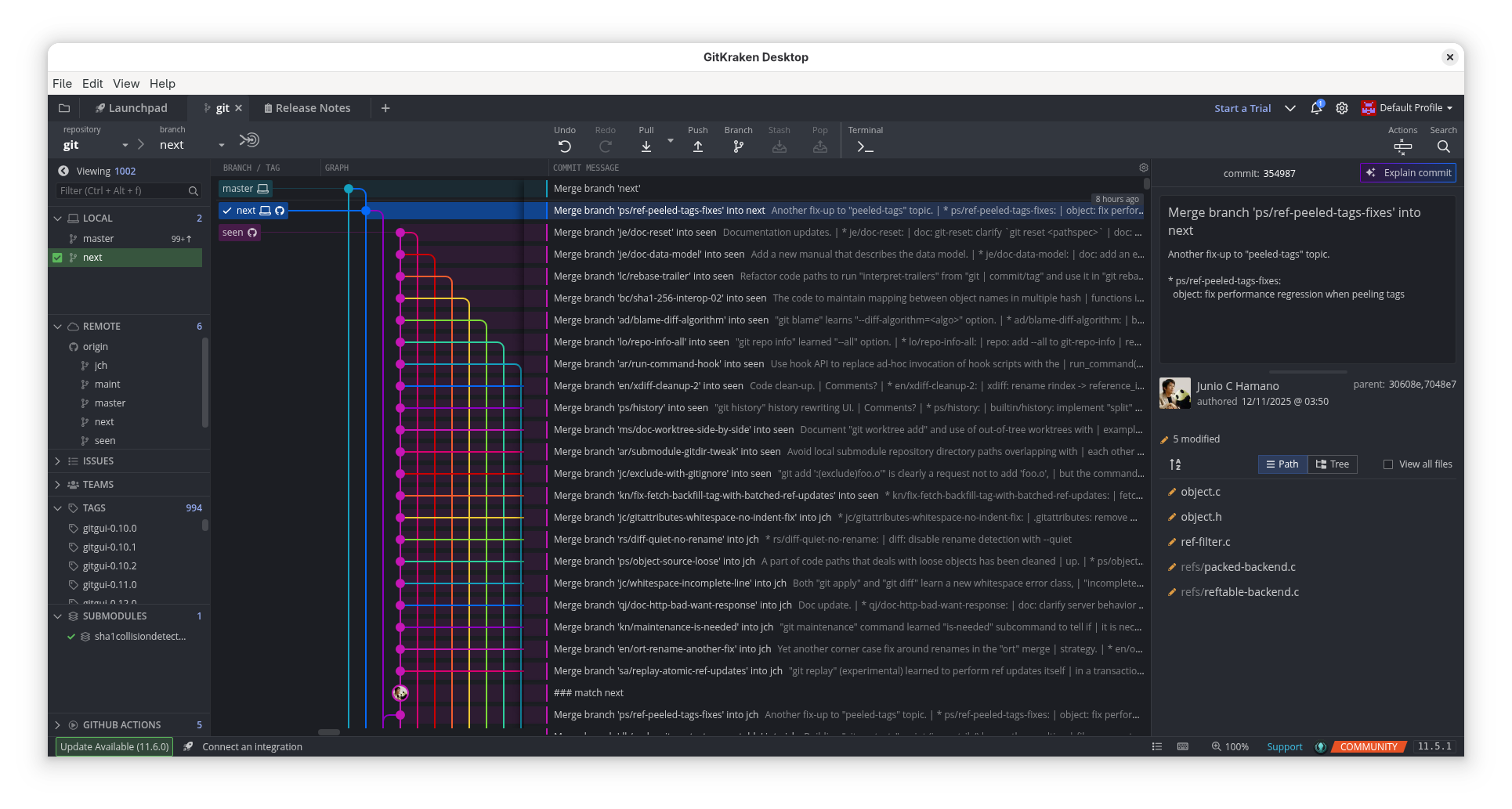
The core power of GitKraken lies in its ability to transform abstract terminal commands into a beautiful, interactive commit graph. Here is how it enhances your development cycle:
- Visual Branching and Merging: View your repository's history, branch relationships, and individual commits in a clean dark or light themed graph. Drag-and-drop actions replace error-prone CLI commands for merging, rebasing, and pushing.
- In-App Code Editing: You do not need to cycle through external tools. GitKraken features a built-in code editor complete with syntax highlighting, search functionality, and a dedicated diff split view.
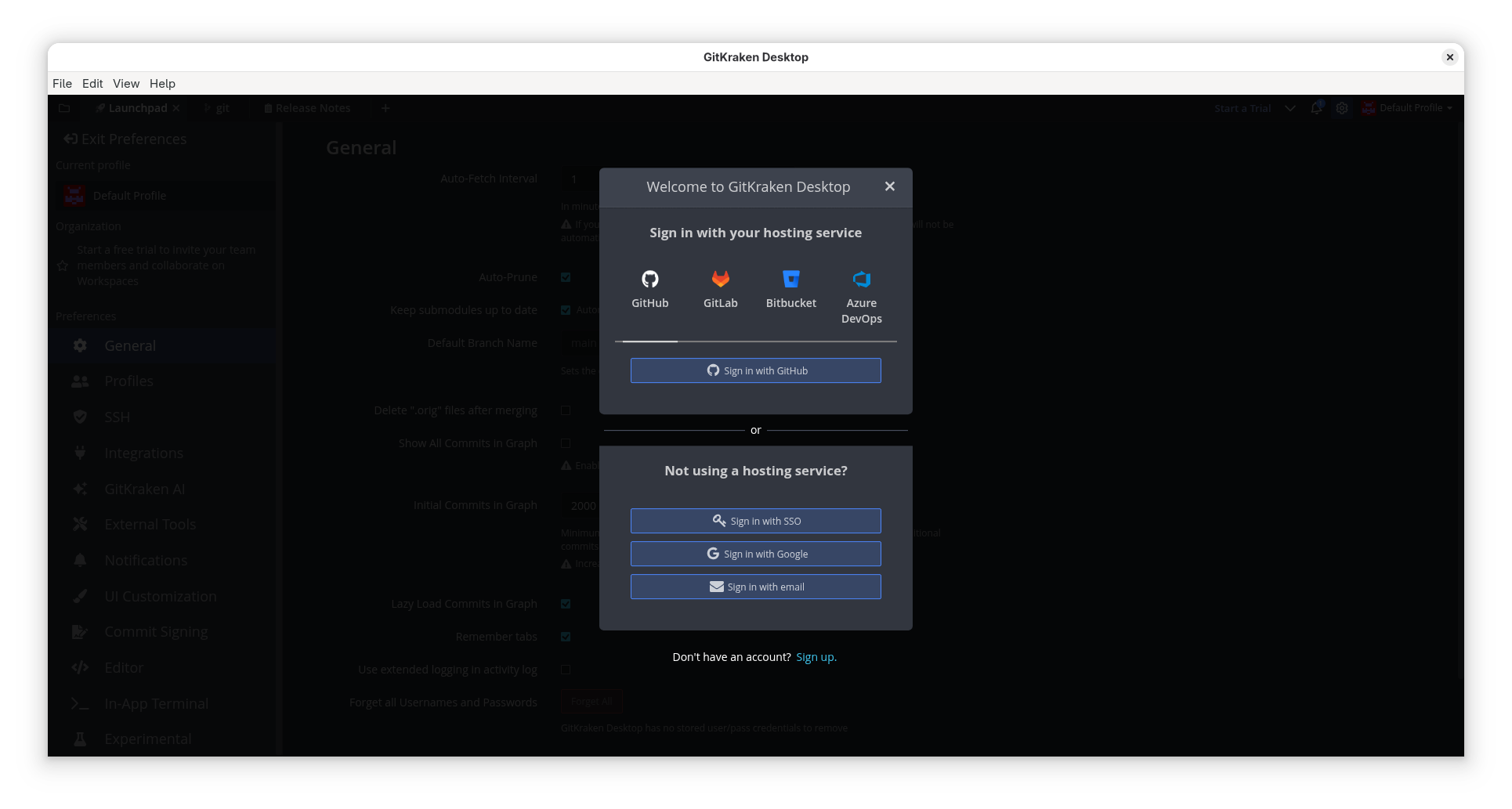
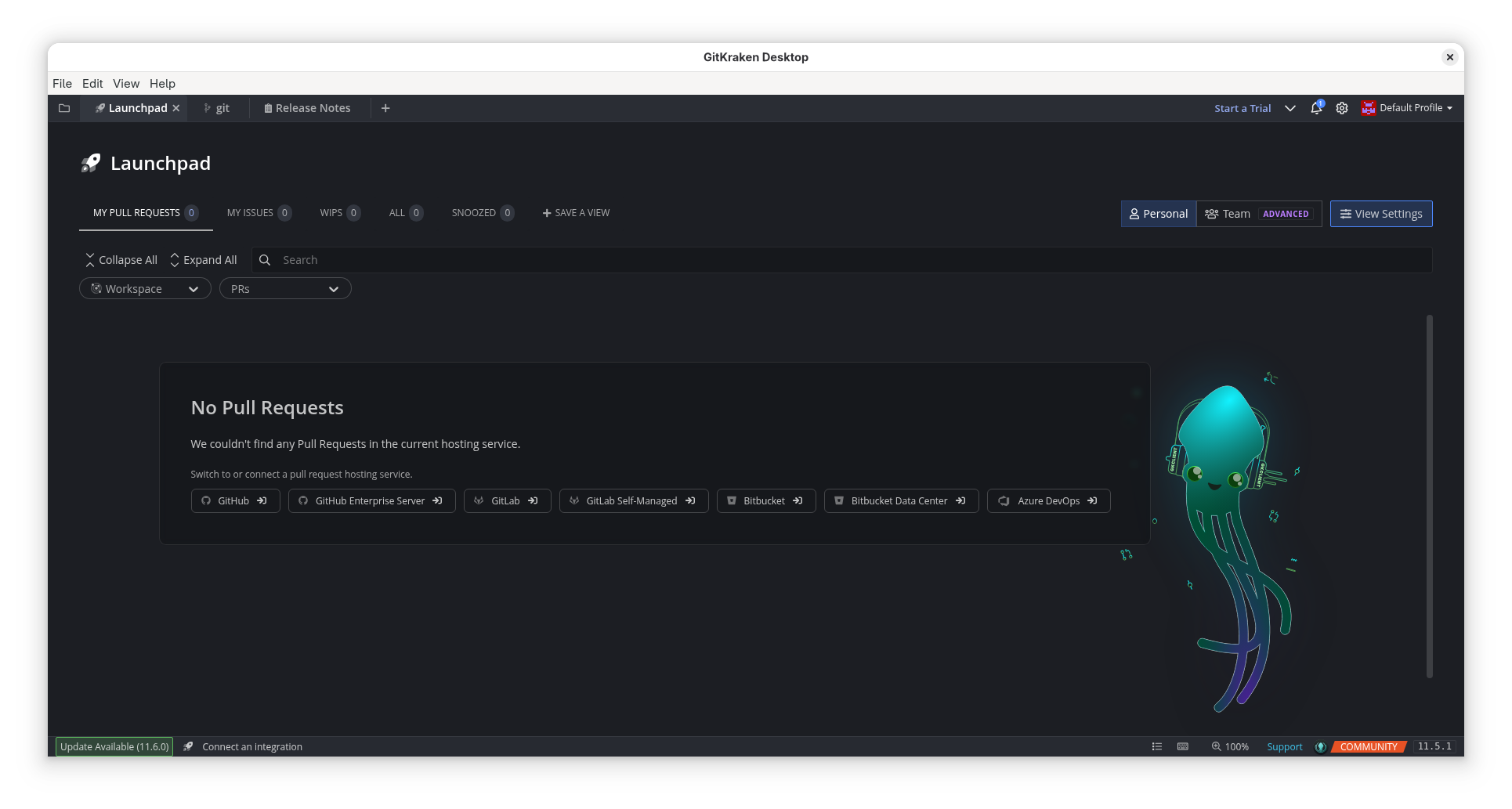
- Seamless Integration: Connect directly with major hosting services including GitHub, GitHub Enterprise, GitLab, Bitbucket, and VSTS to manage pull requests and clone repositories instantly.
- Built-in Conflict Resolution: Stop fear-inducing merges. Resolve conflicts safely inside the application using an interactive merge tool before committing your code.
Integrated Issue Tracking with Glo Boards
Beyond version control, this application features Glo Boards to keep your team organized. This integration helps minimize disruptive context switching by keeping your task tracking directly inside your development environment.
- GitHub Issues Sync: Keep descriptions, assignees, labels, and comments synchronized in real-time across platforms.
- Flexible Workflows: Design customizable boards with distinct checklists, markdown descriptions, and priority labels to match your team's unique project management style.
- Collaborative Features: Mention team members with @mentions, receive real-time notifications, and easily attach supporting files by dragging and dropping them onto task cards.
Who is GitKraken For?
This software is an ideal match for Linux developers, teams, and project managers who require clear visibility over complex repositories. By combining deep GitKraken repo management features with agile task boards, it bridges the gap between writing code and managing project delivery, making it a stellar addition to any modern developer's digital toolkit.
Ready to elevate your development workflow? To experience this visual version control client firsthand, visit the official Flathub store page to explore its installation options on Linux.
Rate the App
User Reviews
Popular Apps




Editor's Choice