

Latest Version
mSeven Software, LLC
Security
Mac
Free
1157750250
Report a Problem
More About mSecure - Password Manager
An Editorial Review of mSecure - Password Manager for Mac
In an era where digital security is paramount, finding a reliable vault for your sensitive data is crucial. Developed by mSeven Software, LLC, mSecure - Password Manager is a sophisticated security utility designed specifically for Mac users who require robust protection without sacrificing usability. This editorial review explores how the application balances high-grade encryption with daily convenience, helping you decide if it is the right digital vault for your workflow.
Who Benefits Most from mSecure?
This utility is particularly well-suited for professionals, remote workers, and families who manage a vast array of digital credentials across multiple platforms. If you are tired of juggling separate authenticator apps, resetting forgotten passwords, or worrying about the security of your shared family accounts, this software offers a centralized, highly secure solution. Its zero-knowledge architecture ensures that your master password never leaves your Mac, appealing directly to privacy-conscious users.
Key Features and Security Architecture
- Industry-Standard Encryption: All your stored data is shielded by end-to-end AES-256 encryption, providing military-grade protection on every tier.
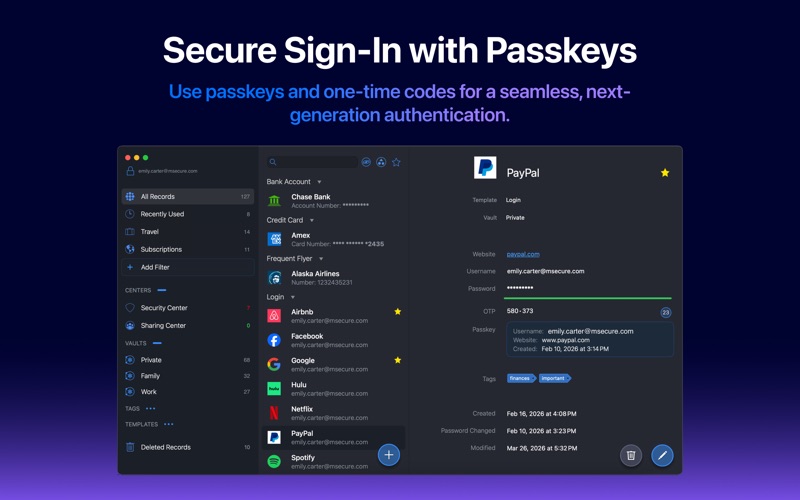
- Passkey & 2FA Integration: Sign in seamlessly to passkey-enabled websites and store your one-time passwords (OTP) directly alongside your login credentials.
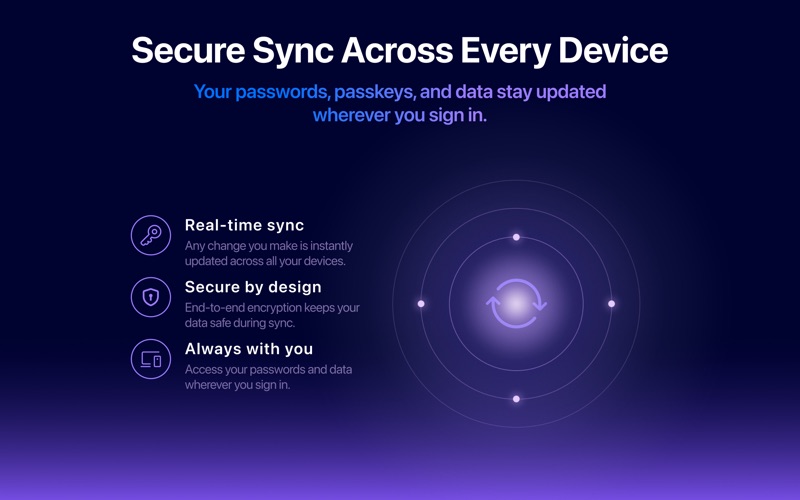
- Flexible Syncing Options: Choose how you sync your data across devices, with support for mSecure Cloud, iCloud, Dropbox, or local Wi-Fi syncing.
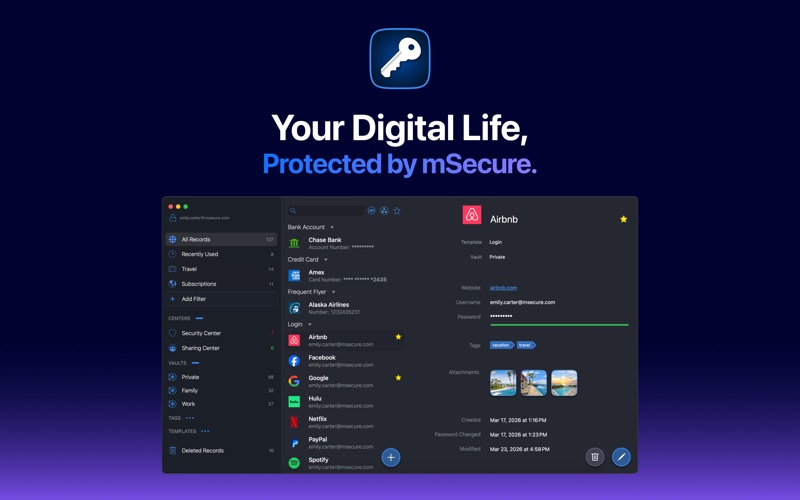
- Intuitive Organization: Utilize over 20 built-in templates, custom filters, tags, and a redesigned record details view to keep your digital life perfectly organized.
- Proactive Security Center: Easily identify weak, reused, or compromised passwords to keep your accounts secure against modern threats.
Streamlined Daily Usability
Beyond its heavy-duty security credentials, mSecure - Password Manager excels at eliminating friction from your daily browsing. With native Safari integration and AutoFill capabilities, logging into your favorite services is nearly instantaneous. For Mac hardware equipped with Touch ID, unlocking your secure vault is as simple as a fingerprint scan, keeping your workflow smooth and uninterrupted.
Find Your Perfect Plan
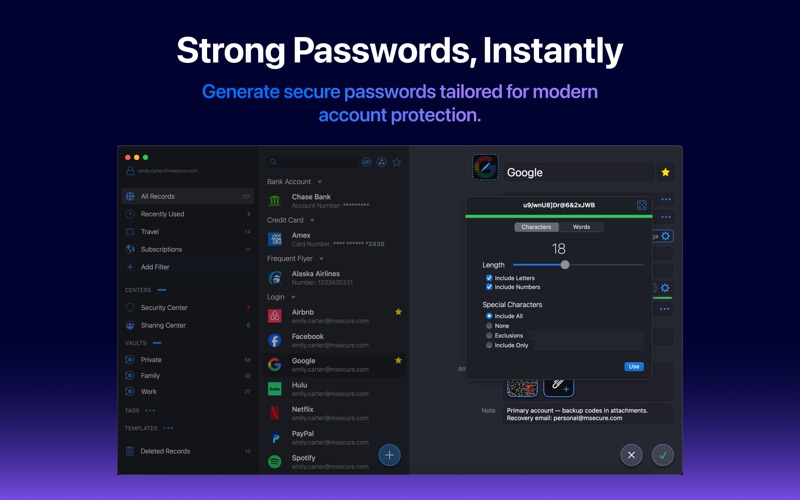
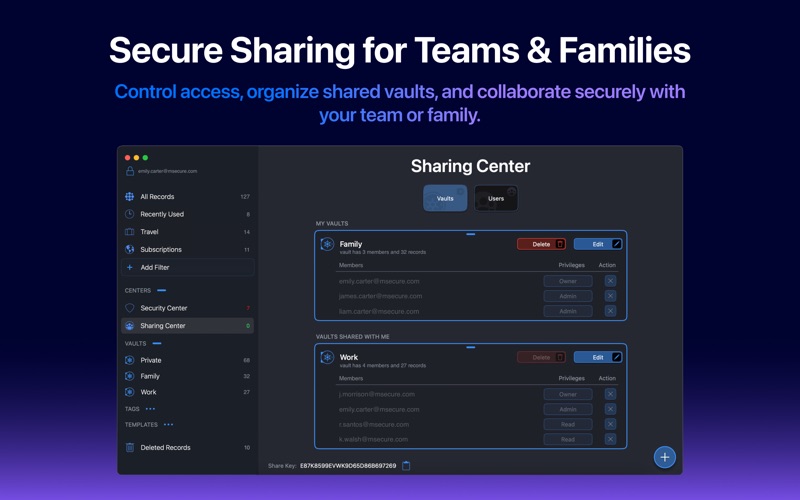
The developer offers a tiered approach to fit different needs. The Free tier provides essential offline storage, a password generator, and customizable templates. Upgrading to the Essentials or Premium tiers unlocks powerful cloud synchronization, passkeys, the Security Center, and advanced sharing features. Families can also opt for the dedicated Family plan, which supports up to five seats and collaborative shared vaults.
Ready to elevate your personal cyber security? You can explore and acquire this utility directly on the official Mac App Store.
Rate the App
User Reviews
Other Apps in This Category



Popular Apps





Editor's Choice