
Latest Version
Moon Light
Media
Windows
Free
9mtdjn9r9xm9
Report a Problem
More About Audio Trimmer & Merger
Streamline Your Sound Files with Audio Trimmer & Merger
For music enthusiasts and casual creators alike, managing sound files shouldn't require complex, bloated studio software. The Audio Trimmer & Merger audio editing tool by Moon Light offers a streamlined, lightweight solution built specifically for the Universal Windows Platform (UWP). If you want to quickly clean up a voice recording, extract a specific chorus, or combine multiple tracks into a single seamless file, this utility provides the core essentials without any unnecessary learning curves.
Key Capabilities and Supported Formats
Despite its lightweight footprint, the application is highly versatile when it comes to file compatibility. It allows you to import and work with a variety of popular audio formats direct from your Windows device, including:
- MP3: The standard format for everyday music playback and sharing.
- WAV: Uncompressed audio for those who prioritize maximum sound quality.
- FLAC: Lossless compression preferred by audiophiles.
- AAC & ARM: Efficient mobile-friendly formats perfect for quick voice memos and ringtones.
Who Is This Audio Utility For?
The Audio Trimmer & Merger audio editing tool is tailored for users who need immediate, practical results. It is particularly beneficial for:
- Ringtone Creators: Easily isolate your favorite 30-second hook from any song to set as a custom notification or ringtone.
- Content Creators: Quickly slice out unwanted silence or background noise from voiceovers and podcast drafts.
- Music Lovers: Merge your top tracks together to create continuous audio compilations or custom music medleys.
An Intuitive Windows Integration
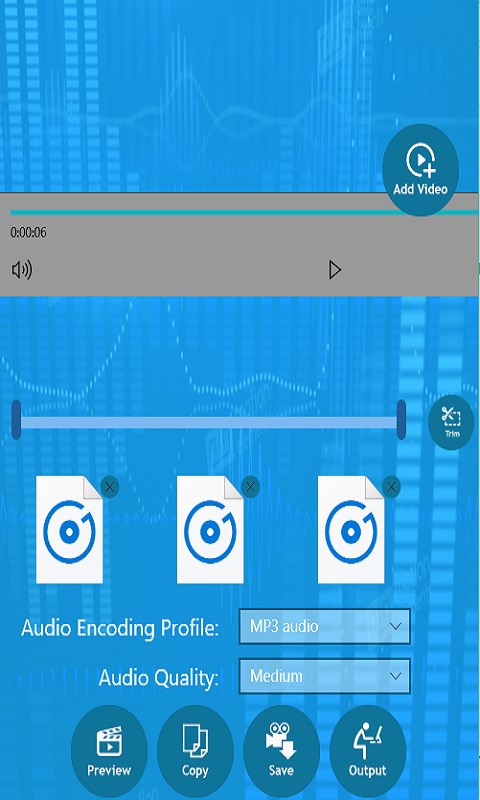
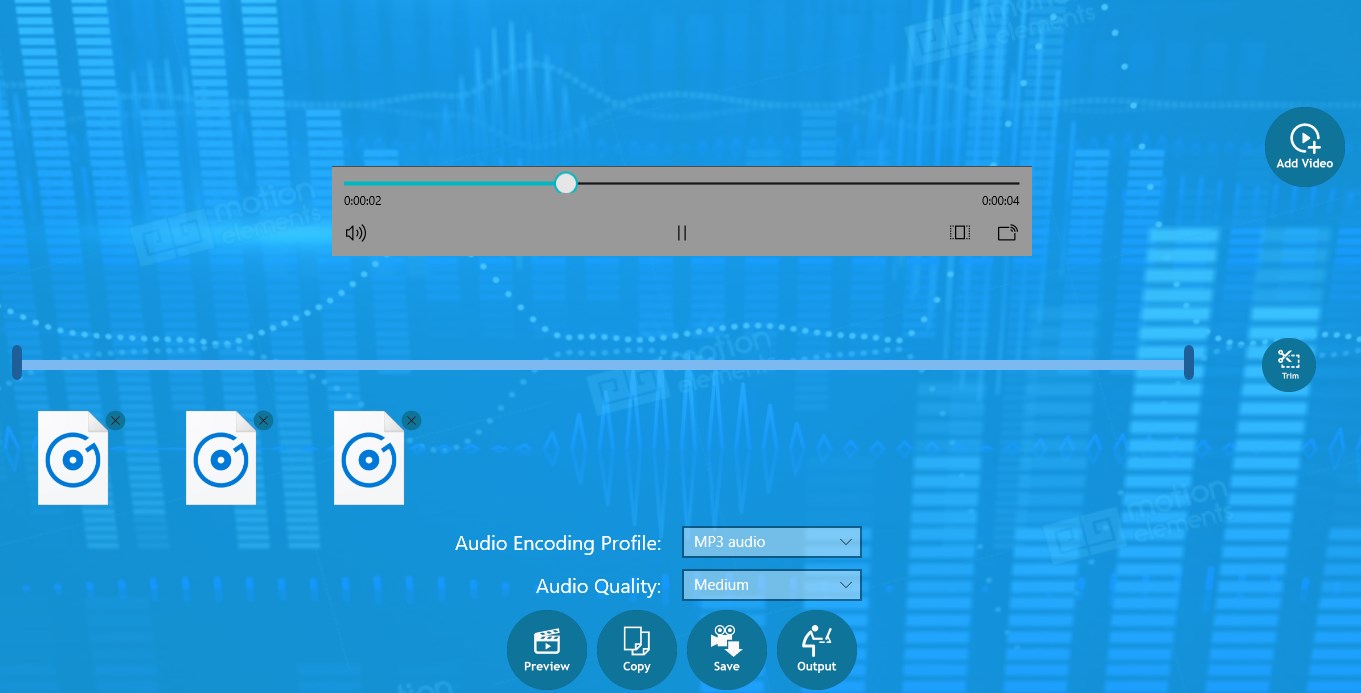
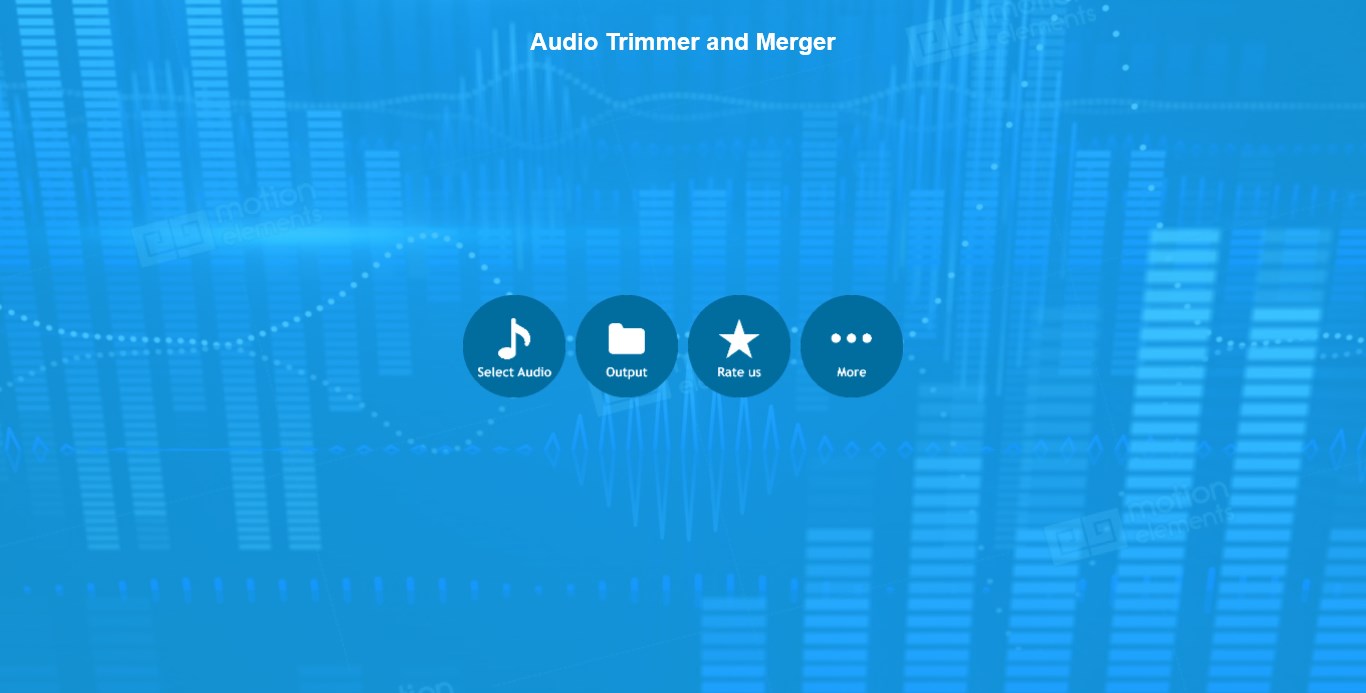
As a native Windows application, the software integrates smoothly with your desktop environment. The user interface is straightforward: you simply import your desired media, select the specific segments you wish to chop or preserve, and initiate the merge or trim process. This simplicity ensures that even beginners can achieve clean edits on their first try.
Get the App
If you are looking for a straightforward, no-nonsense way to manage and customize your local audio library, this app is a reliable desktop companion. To explore its features firsthand, visit the official Microsoft Store page to download the app for your Windows device.
Rate the App
User Reviews



Popular Apps





Editor's Choice