Latest Version
AI Photo Editor Lab
Media
Windows
Free
9nzjndtlvkr1
Report a Problem
More About Record Screen - Video & Audio Recorder
A Watermark-Free Solution for Windows Screencasting
Finding a reliable utility that captures high-quality footage without forcing an unsightly watermark onto your finished project can be a challenge. Record Screen - Video & Audio Recorder by AI Photo Editor Lab addresses this exact pain point for Windows users. Designed specifically for Windows 10 and 11, this application delivers a remarkably clean, high-performance recording environment that respects your content's professional appearance from the very first frame.
Key Capabilities of Record Screen - Video & Audio Recorder
Whether you are producing software tutorials, capturing virtual board meetings, or documenting live gameplay, this utility adapts seamlessly to your workflow. The software provides precise control over your capture settings, allowing you to tailor every session to your exact specifications.
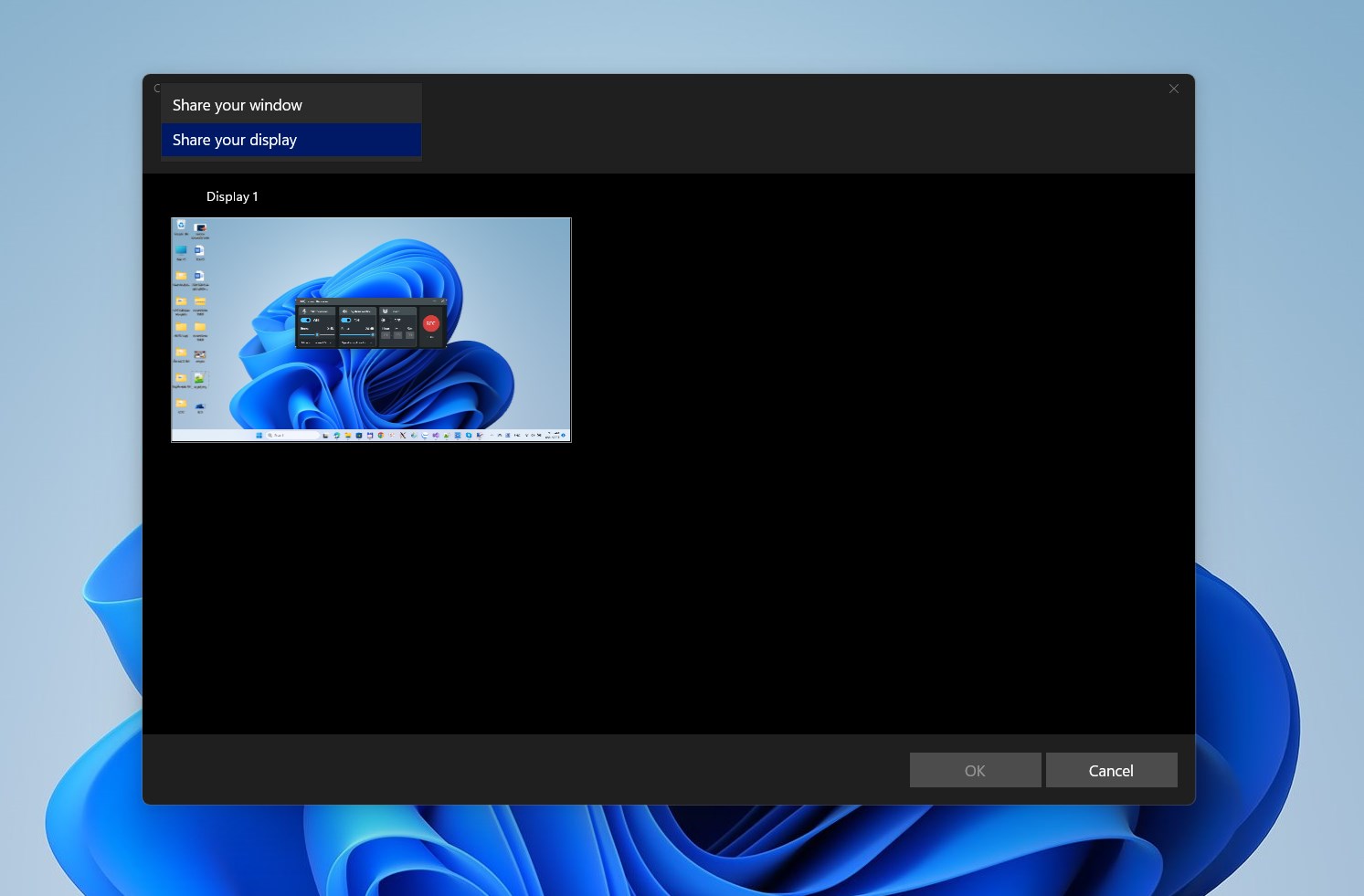
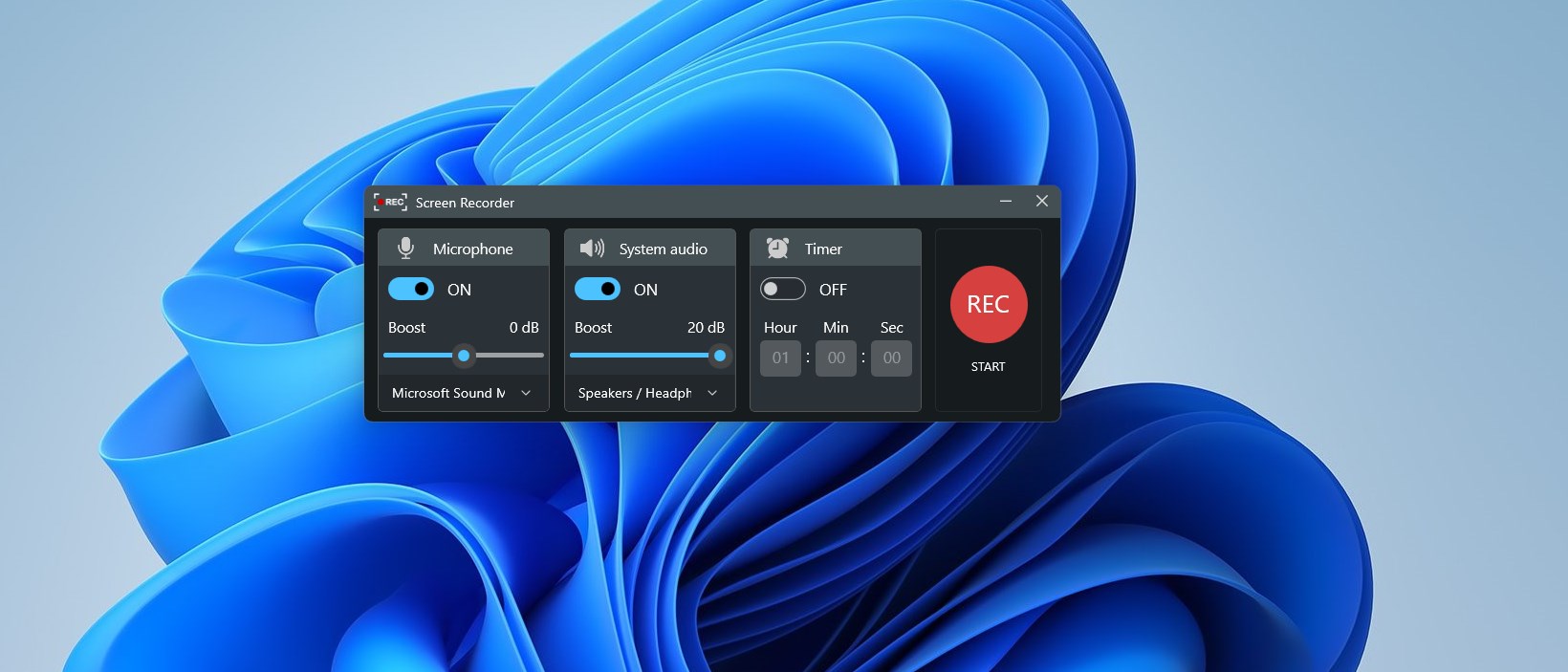
- Flexible Capture Areas: Choose to record your entire desktop workspace or isolate a single application window to keep your viewers focused on what matters.
- Advanced Audio Routing: Capture system sound, external microphone inputs, or both concurrently. The built-in audio boost feature ensures your voiceovers remain crisp and audible.
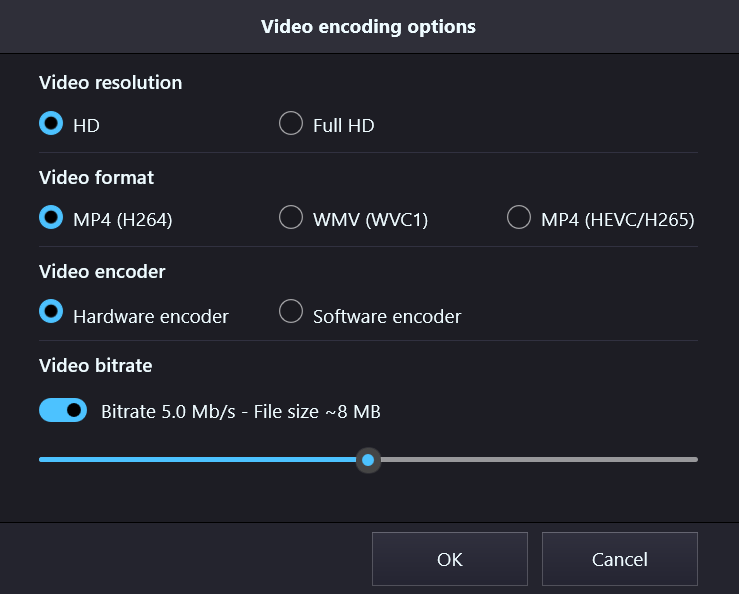
- High-Frame-Rate Output: Export smooth video files in Full HD (1080p) at up to 60 frames per second, utilizing modern H.264 or H.265 MP4 codecs.
- Unattended Capture: Use the built-in recording timer to schedule and automate sessions without needing to sit at your desk.
- Native ARM64 Support: Optimized performance for modern Windows on ARM devices, ensuring efficiency and lower battery drain.
Integrated Post-Production Suite
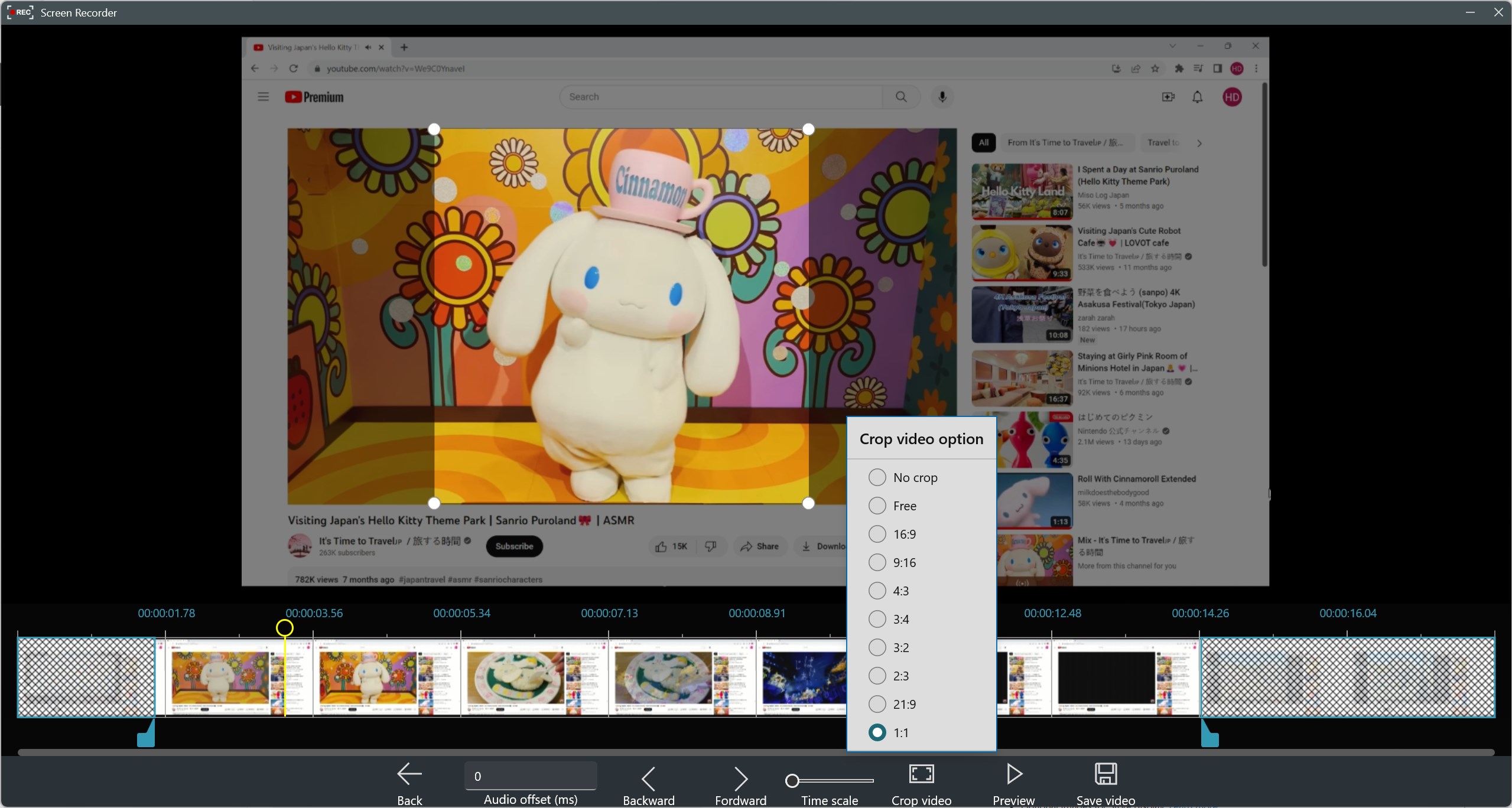
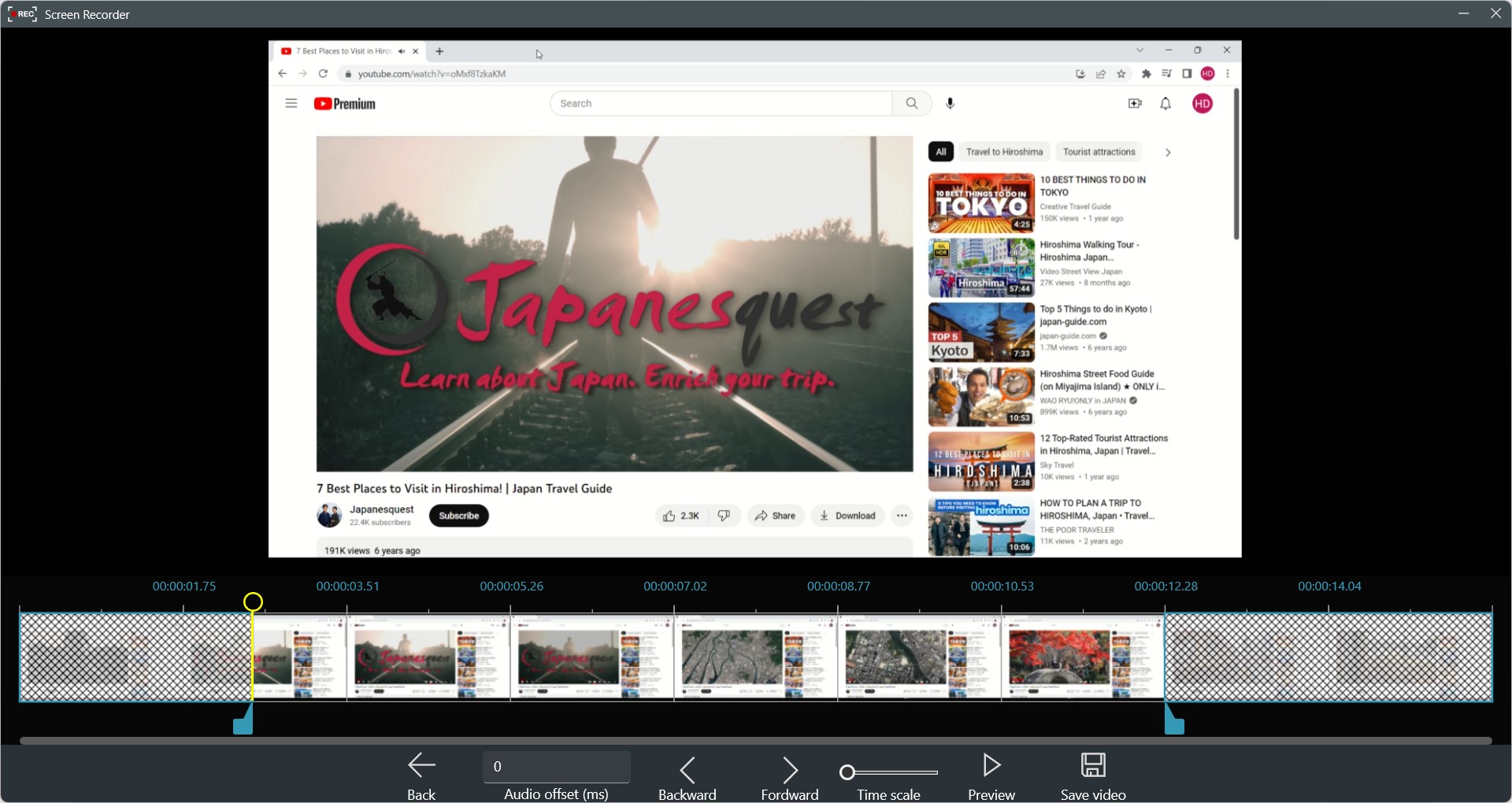
Beyond capturing raw footage, Record Screen - Video & Audio Recorder features an integrated Movie Maker and Video Editor. Instead of exporting your files to heavy, complicated third-party software, you can perform essential edits immediately after recording. Users can trim and split video or audio tracks, synchronize sound, apply transitions, add filters, and overlay text, stickers, or custom background music to polish their final video.
Who is this Windows Tool For?
This media tool is highly recommended for educators drafting online courses, remote professionals preserving important presentations, and content creators looking for a straightforward, high-definition recording pipeline. Because it operates without imposing watermarks or restrictive time limits, it serves as an excellent, clutter-free utility for daily productivity.
Get Started on Windows
If you are looking for a reliable, watermark-free screencasting experience on Windows 10 or 11, this application offers an outstanding balance of simplicity and power. To explore its features and integrate it into your creative workflow, head over to the official Microsoft App Store to download the application today.
Rate the App
User Reviews



Popular Apps





Editor's Choice